
Managing liquidity pool
This document describes how to add or remove liquidity from OpenVino liquidity pools for MTB18-MTB23 tokens, based on Uniswap v2.
-
Go to https://app.uniswap.org/pools/v2
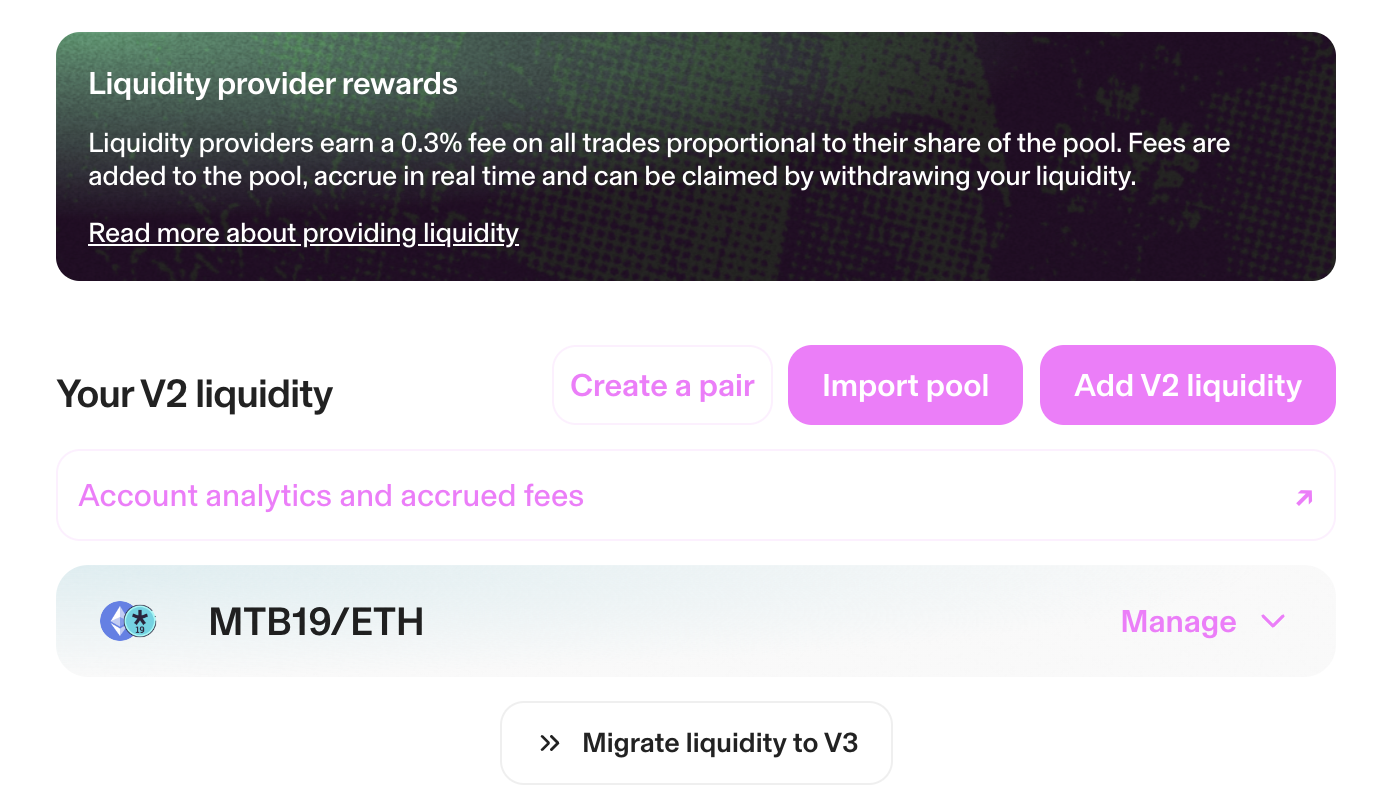
-
Import pool
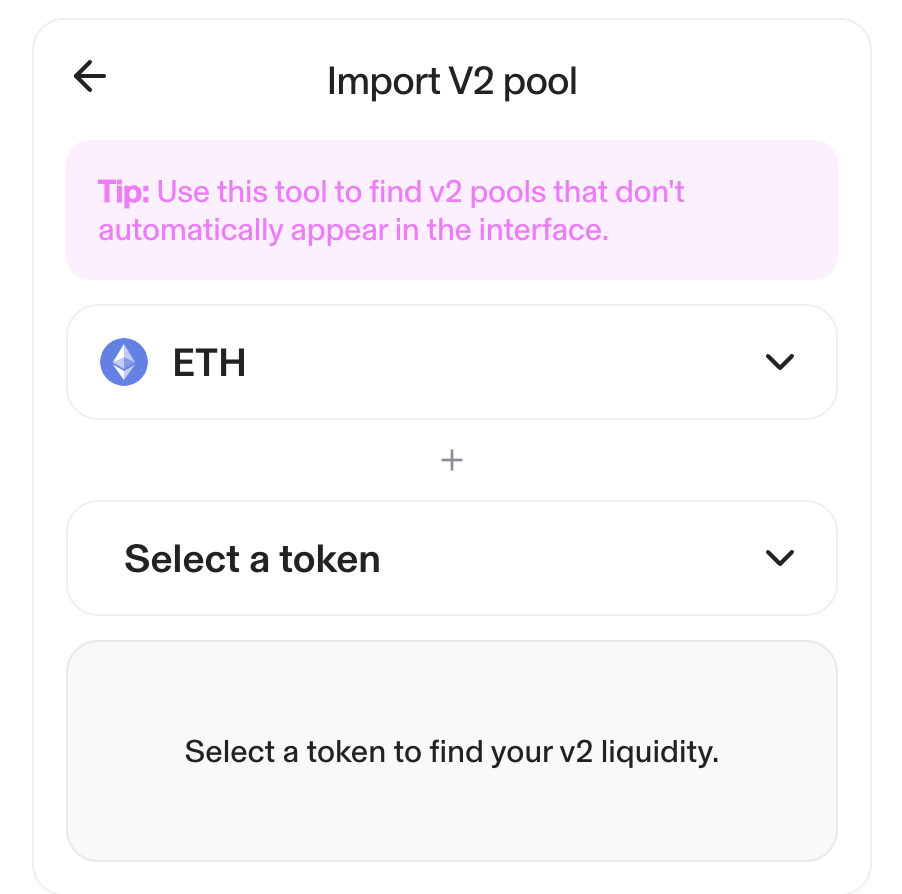
-
Select a token
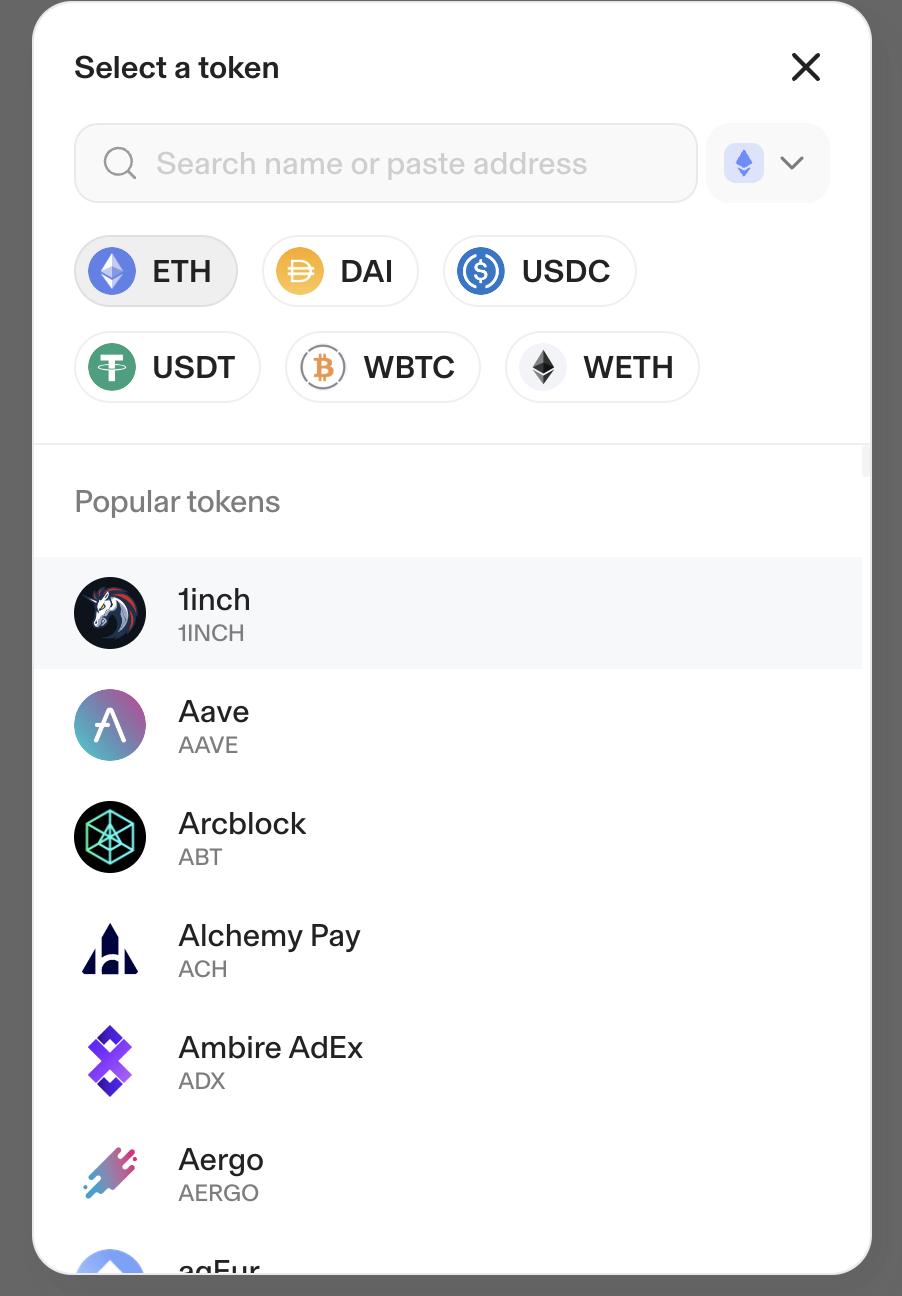
-
Introduce the token address for the MTB* token. This address can be found on etherscan.io
Click “I understand” against the Uniswap notification.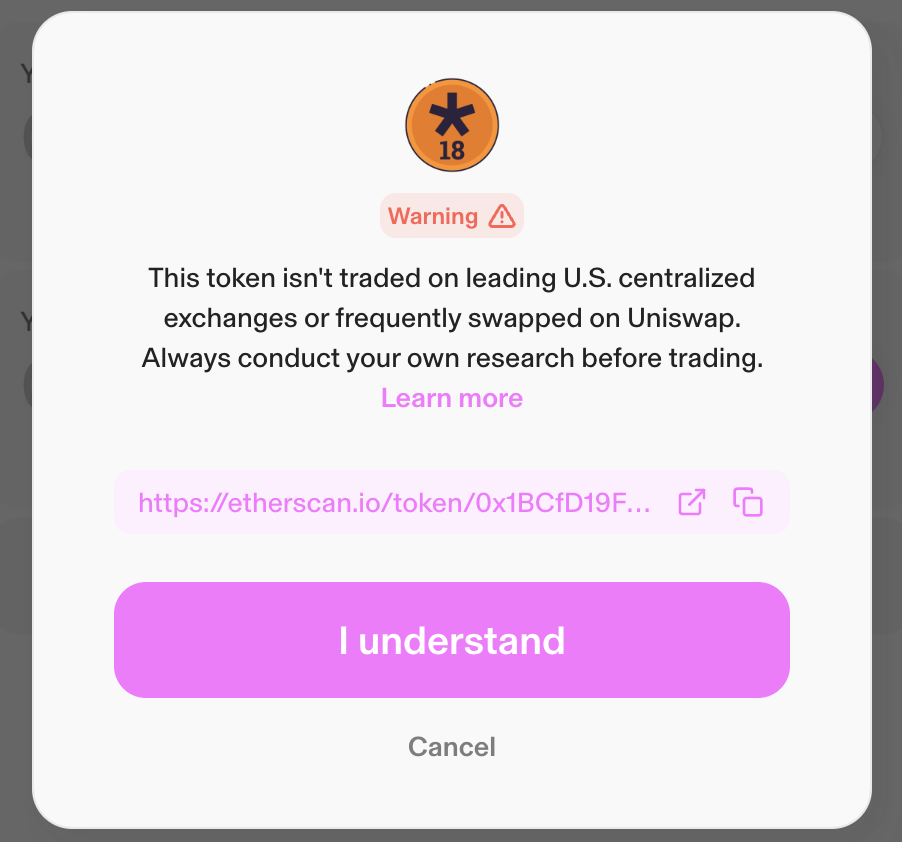
-
Return to https://app.uniswap.org/pools/v2
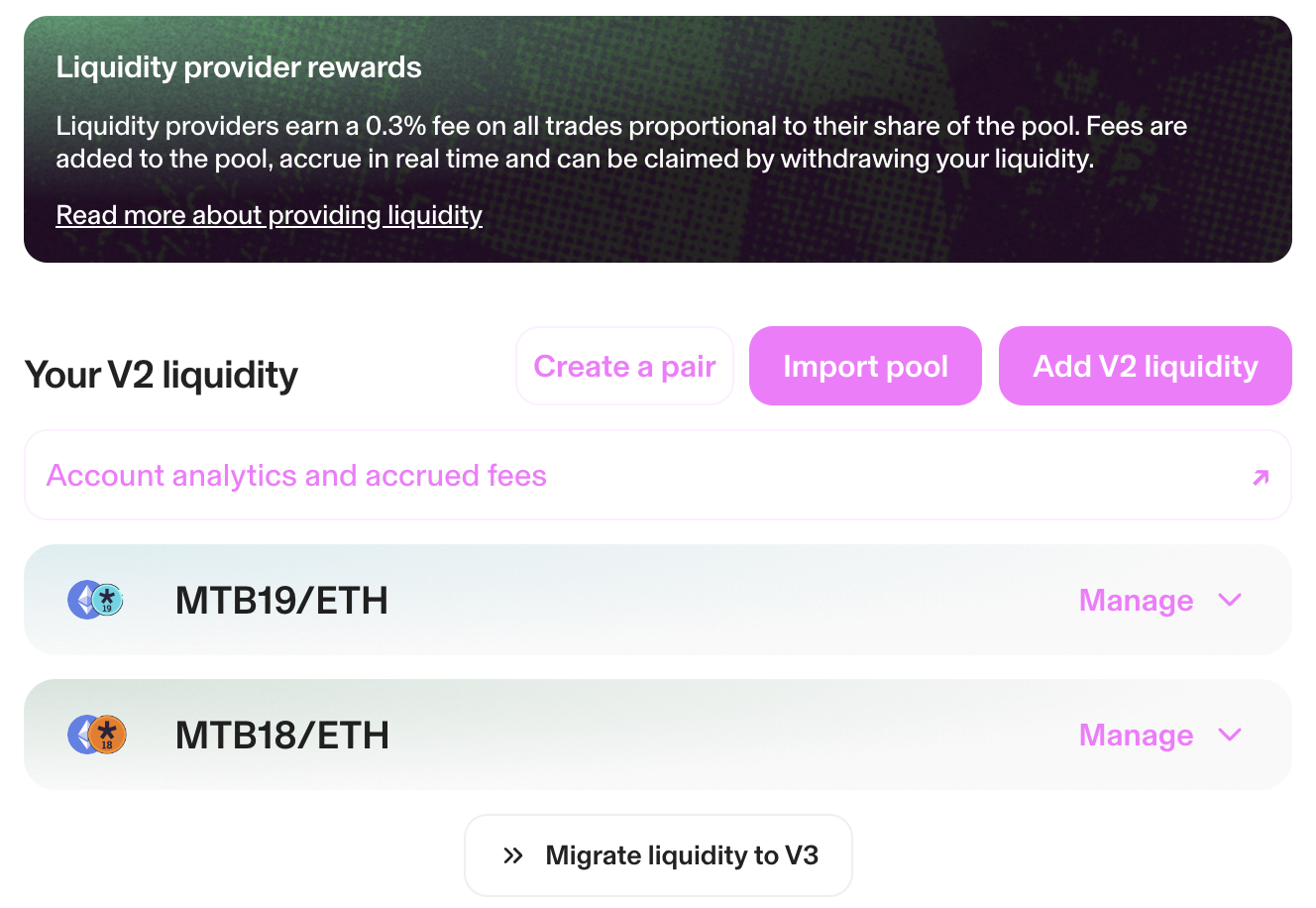
-
Select Manage under the desired token pair.
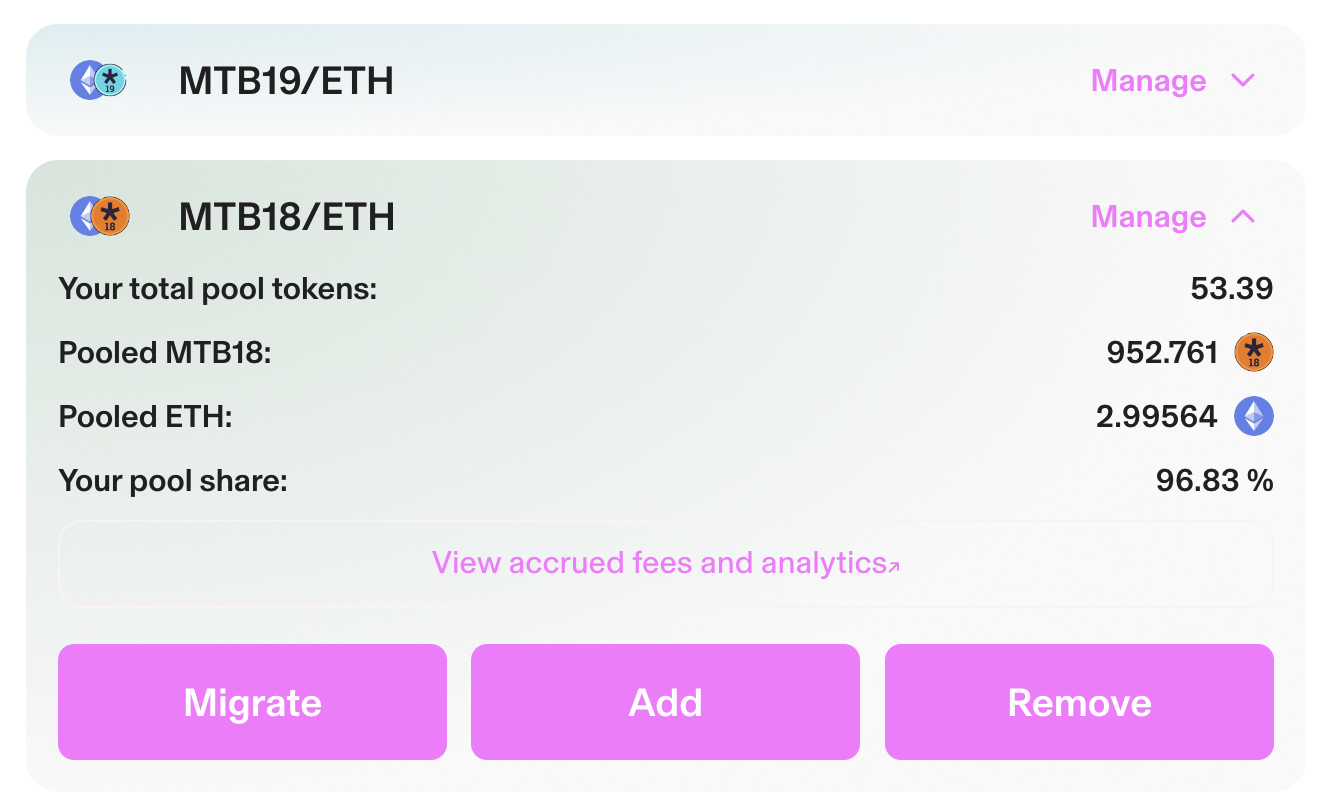
-
Select Add or Remove
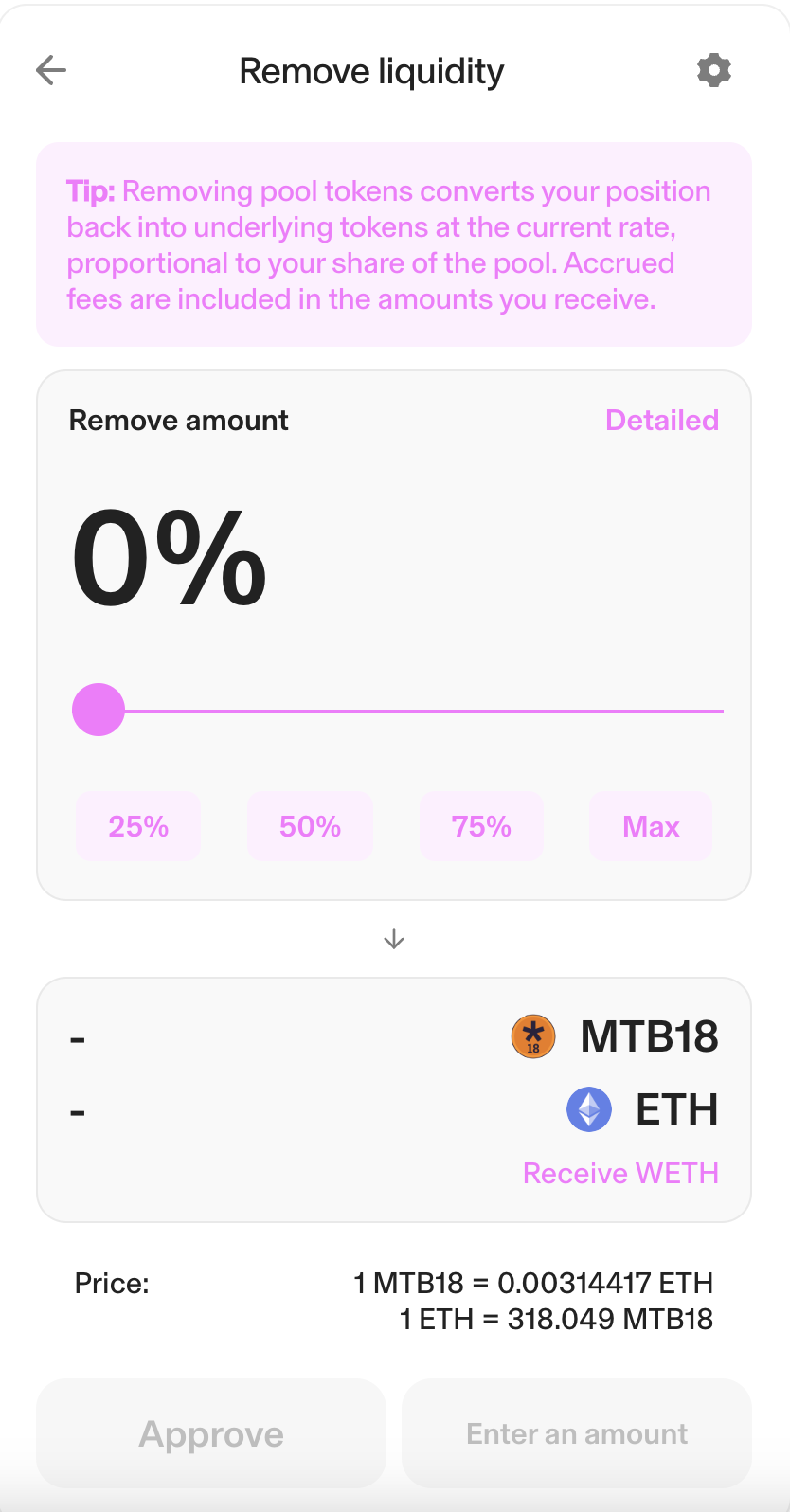
-
Select the amount to add/remove, using the simple slider, or the advanced tab:
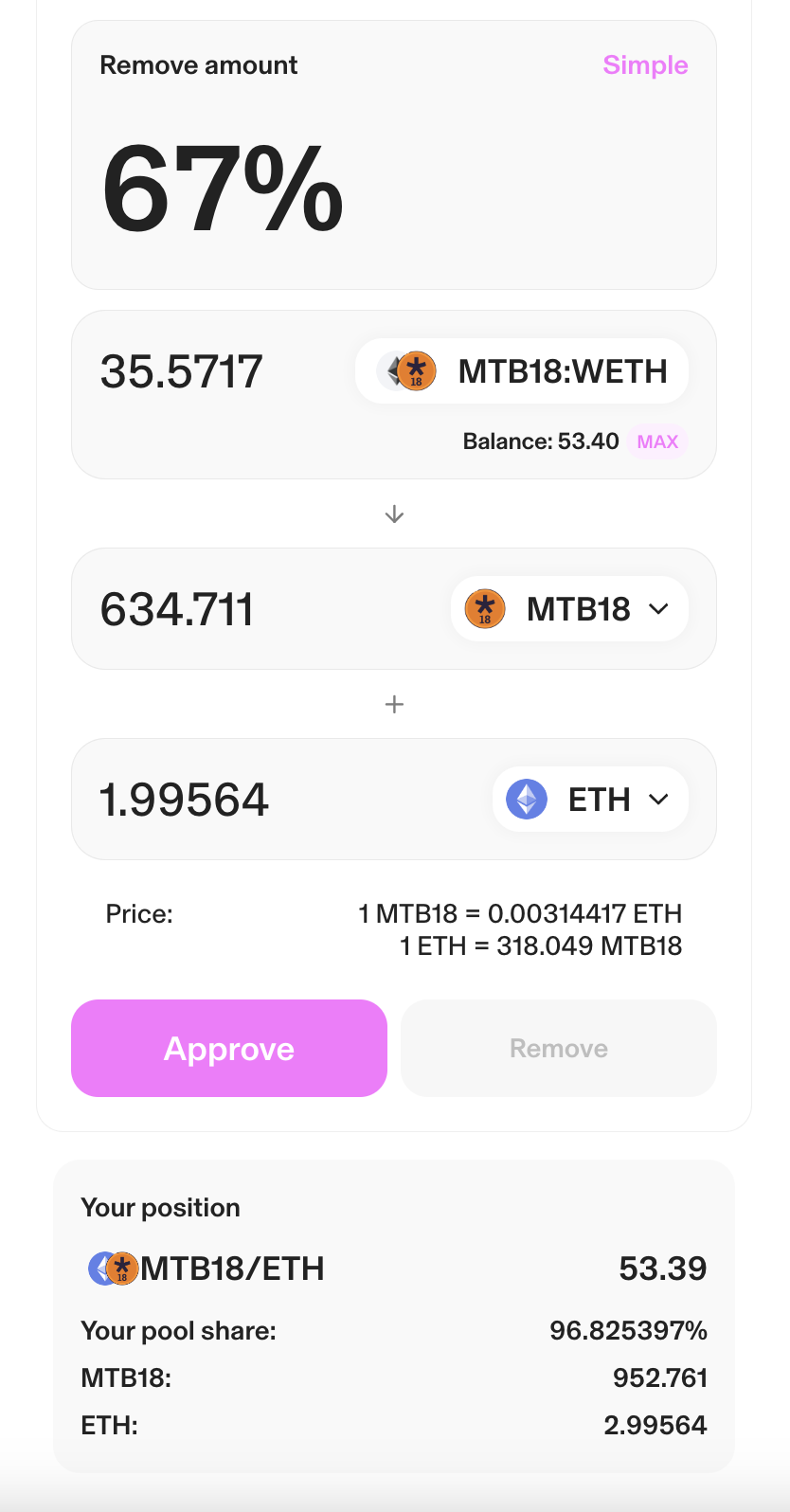
-
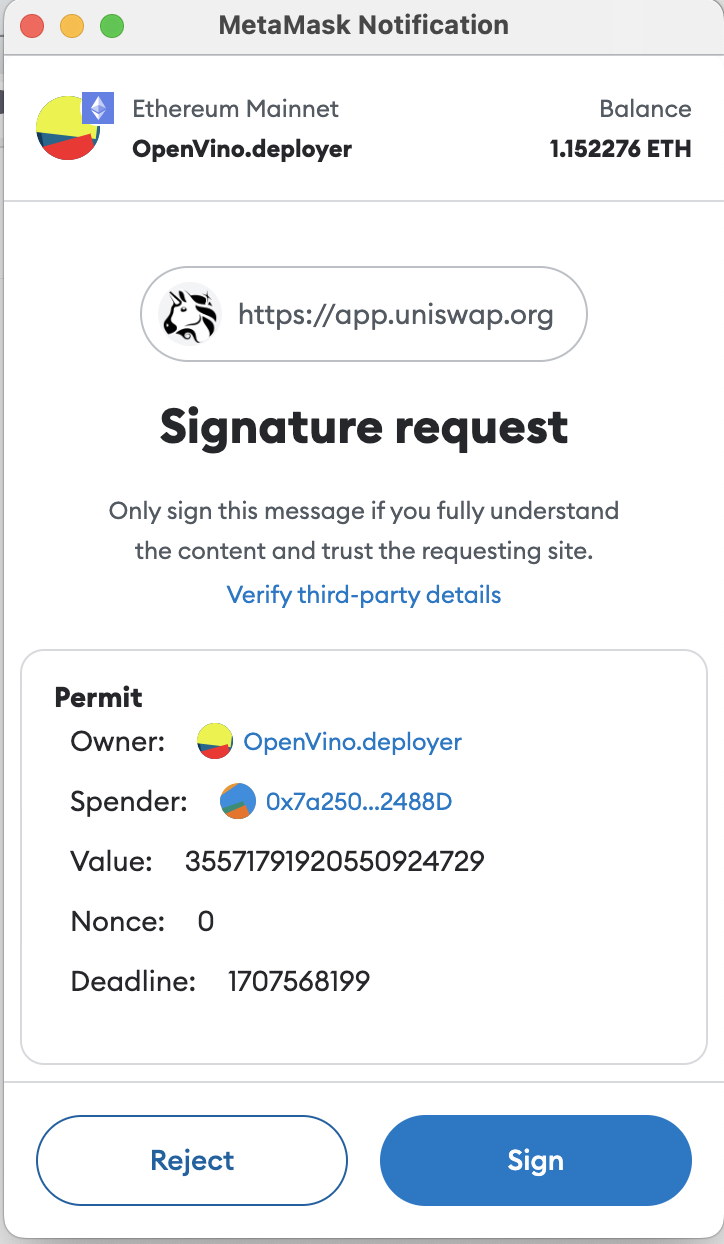
Click Approve. This will trigger a Metamask “Signature request” notification. Click “Sign”.
-
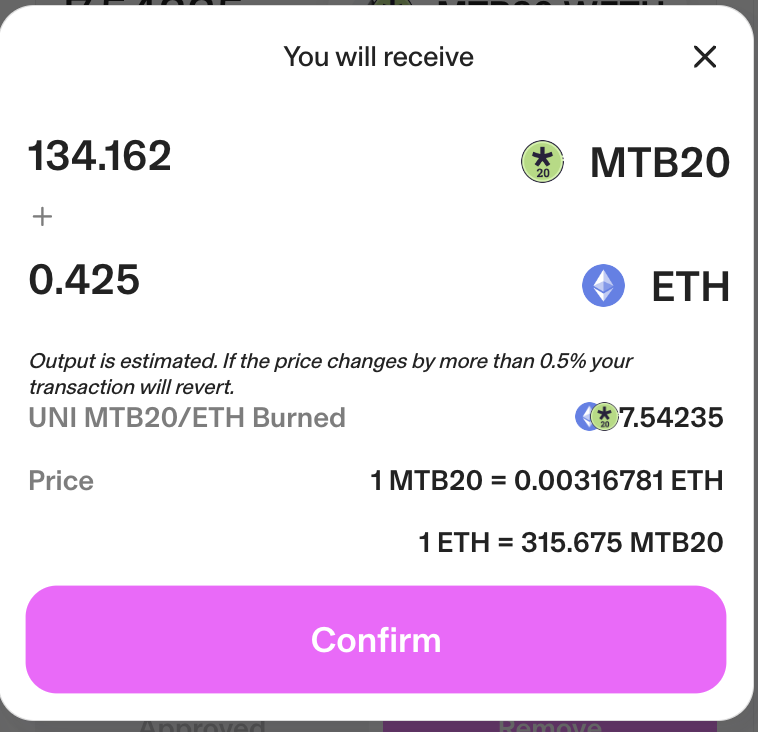
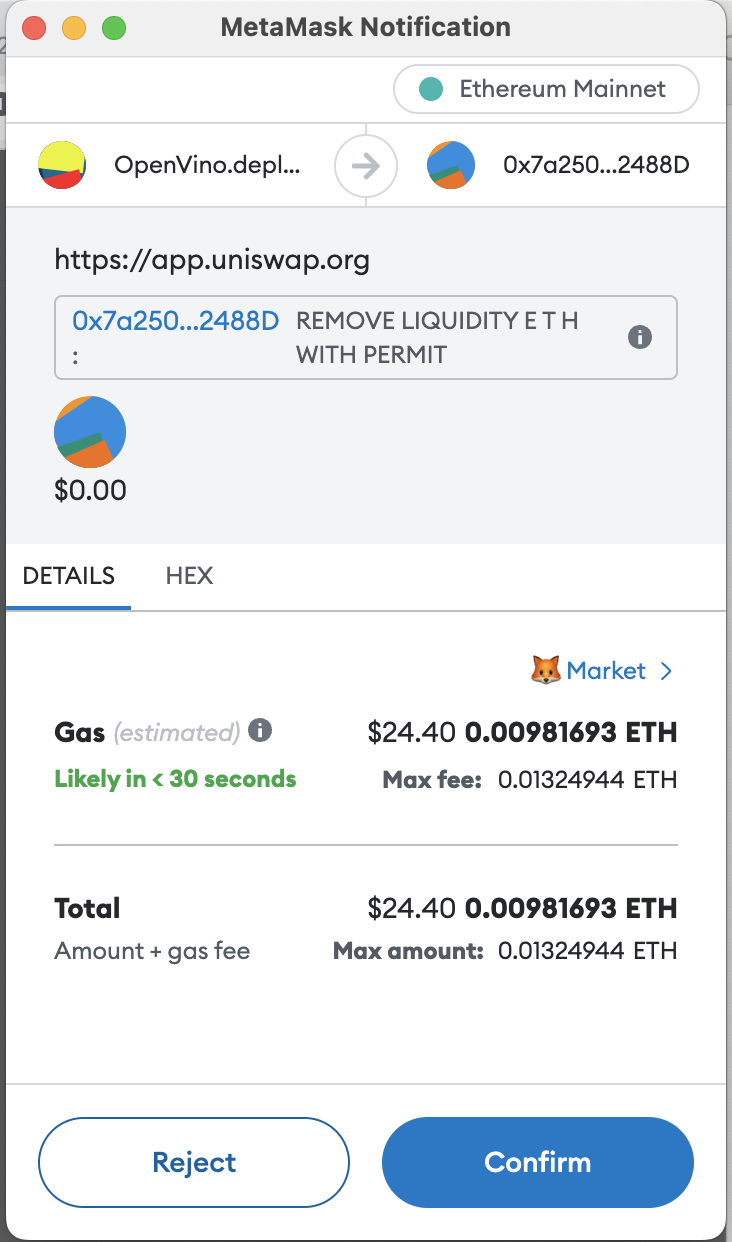
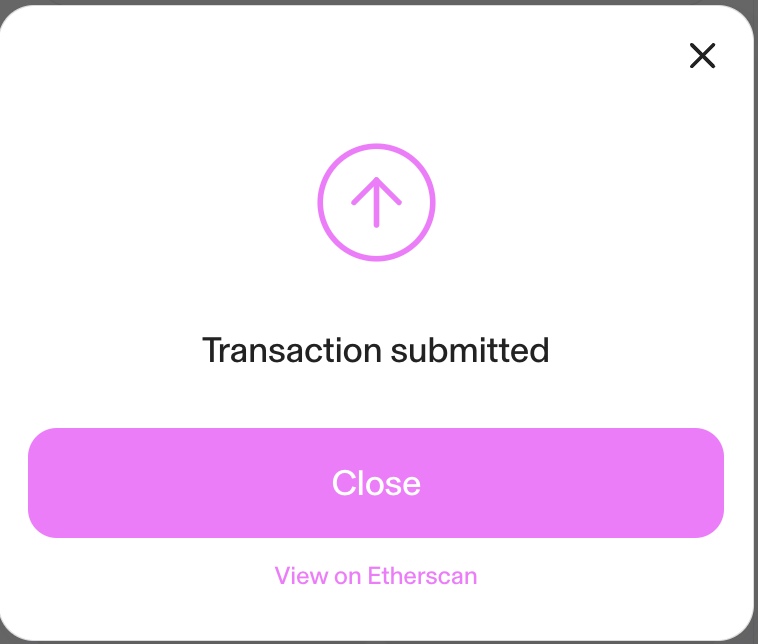
Click “Remove”. This will generate a metamask notification, asking for approval to execute the transaction, and provide the estimated gas fees for the transaction, followed by a “Transaction sumbitted” notification from Uniswap.
-
If you are adding liquidity to the pool, congratulations! If you are removing liquidity from the pool, you can now go pay your bills!