
Token Images Recommendations
Harvest Coins
The original Costaflores wine token was inspired by the Mendoza harvest coin (ficha de cosecha).
The first iteration of the Costaflores wine token:

These are physical tokens, made from aluminum, in the spirt of actual Mendocino harvest tokens.
Defining the Wine Token Design
Every vintage token, or wine token, needs to attend certain design constraints:
The token needs to scale to multiple sizes for different uses:
- Etherscan /Basescan
- Wallet representations (like Metamask wallet)
- OpenVino.exchange
The token should be scale effectively between 28x28 pixels and 256x256 pixels (in a raster format like PNG or JPEG).
Also, since these are tokens related to particular wines, and particular vintages, as well as identifying the winery, these token design should:
- Distinguish the winery
- Differentiate the wine
- Differentiate the vintage
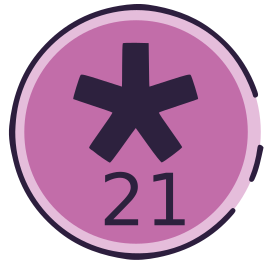
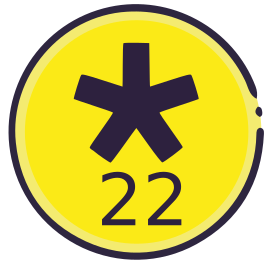
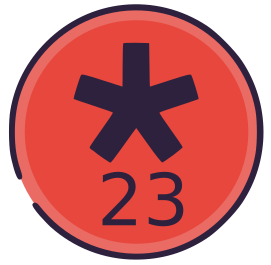
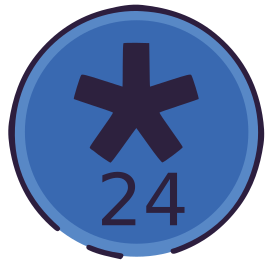
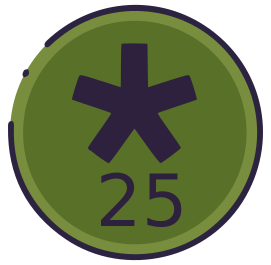
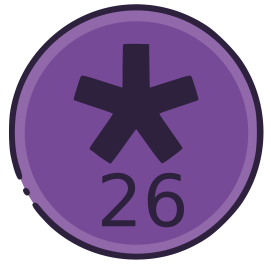
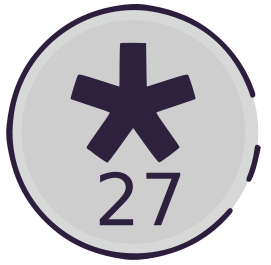
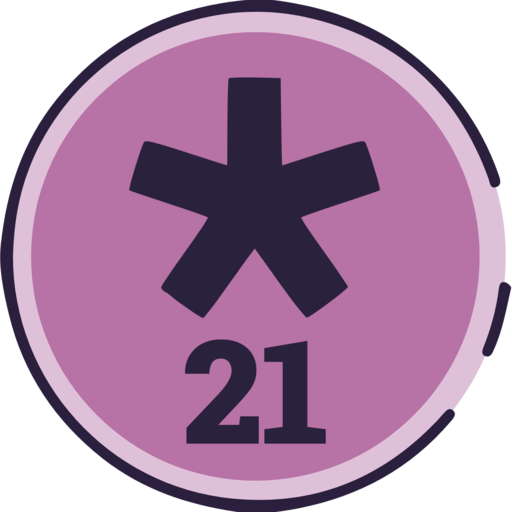
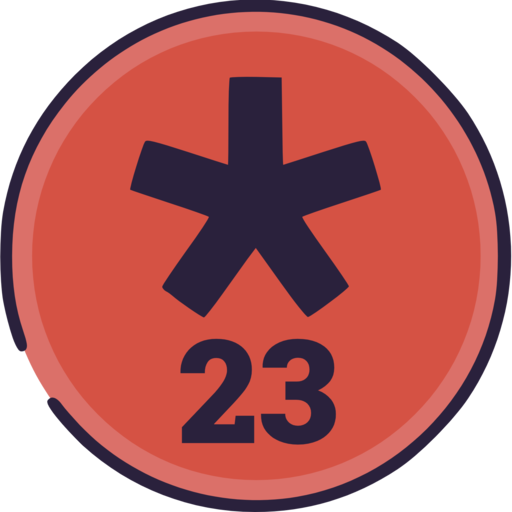
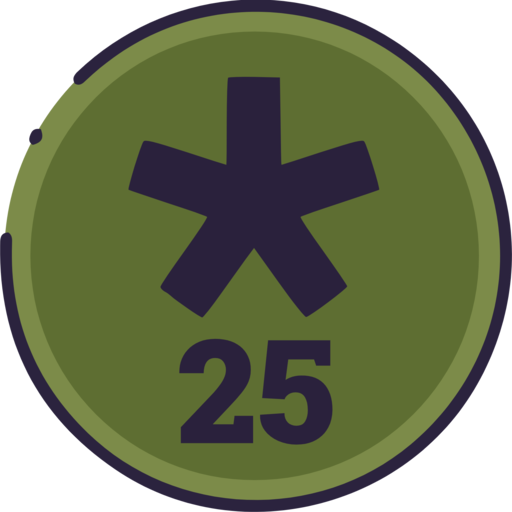
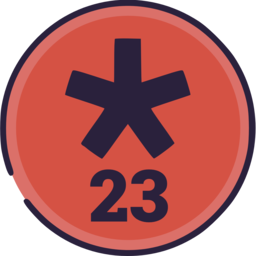
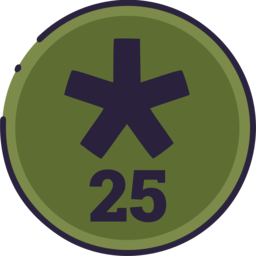
In the example of Costaflores vintage tokens, the winery (and wine) are distinguished by the use of the Costaflores “asterisk”, and each vintage is distinguished by the number of the year of the vintage, and a distinct color. Also, the outside ring on the Costaflores tokens has a different pattern for each year.
Since Costaflores currently only has one wine, and the Costaflores vintage tokens are valid for a maximum period of ten years, the token colors can be recycled after ten years. So, the orange color of the original MTB18 token will be used again for the MTB28 and MTB98 tokens.
However, different wineries are free to adopt different schemes for differentiating vintages and wines through their tokens.
OpenVino.Exchange requirements
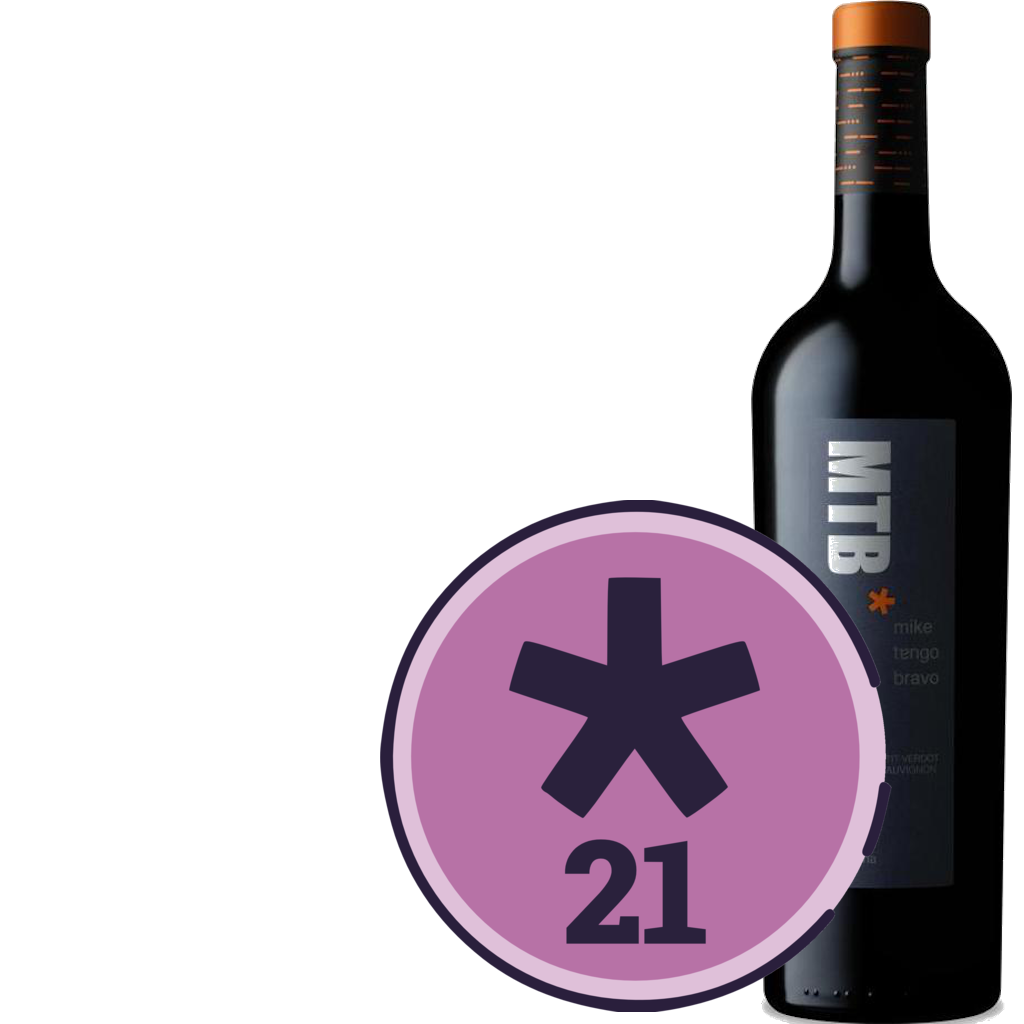
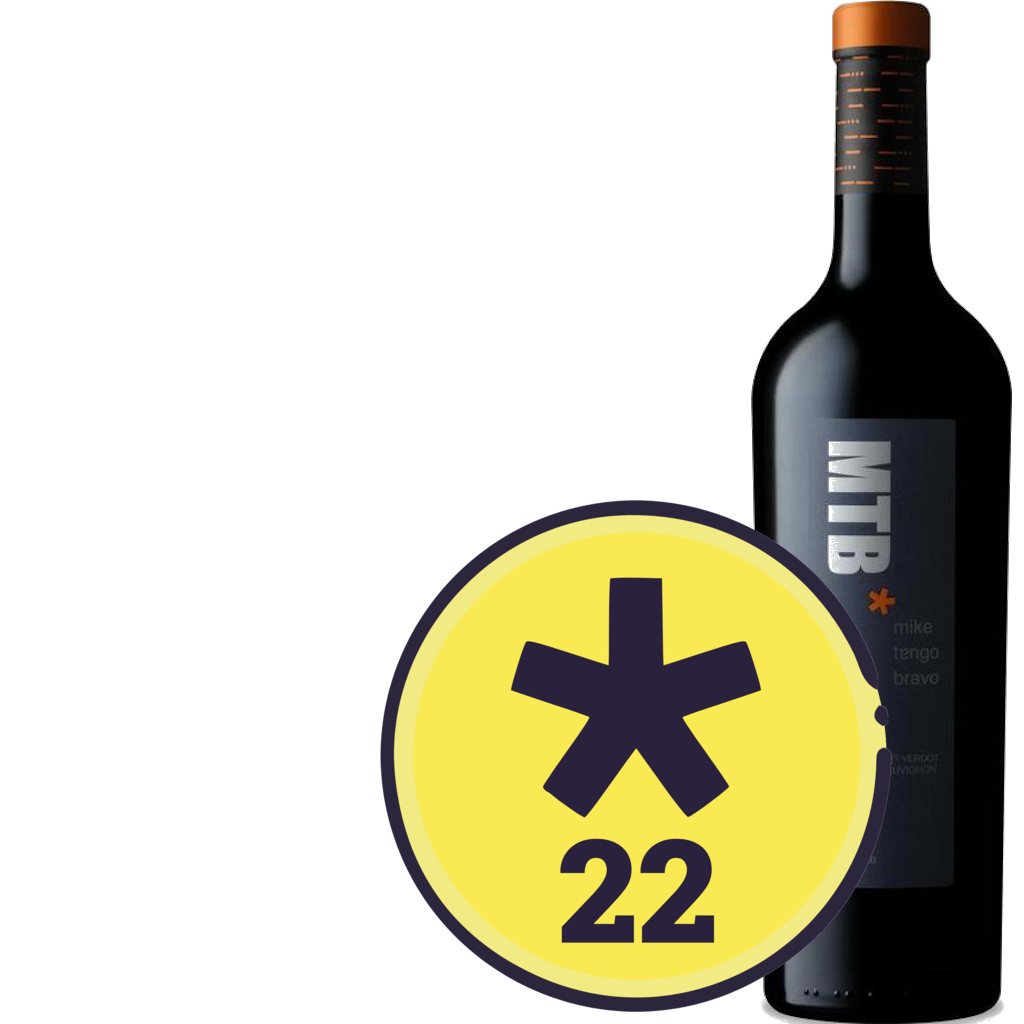
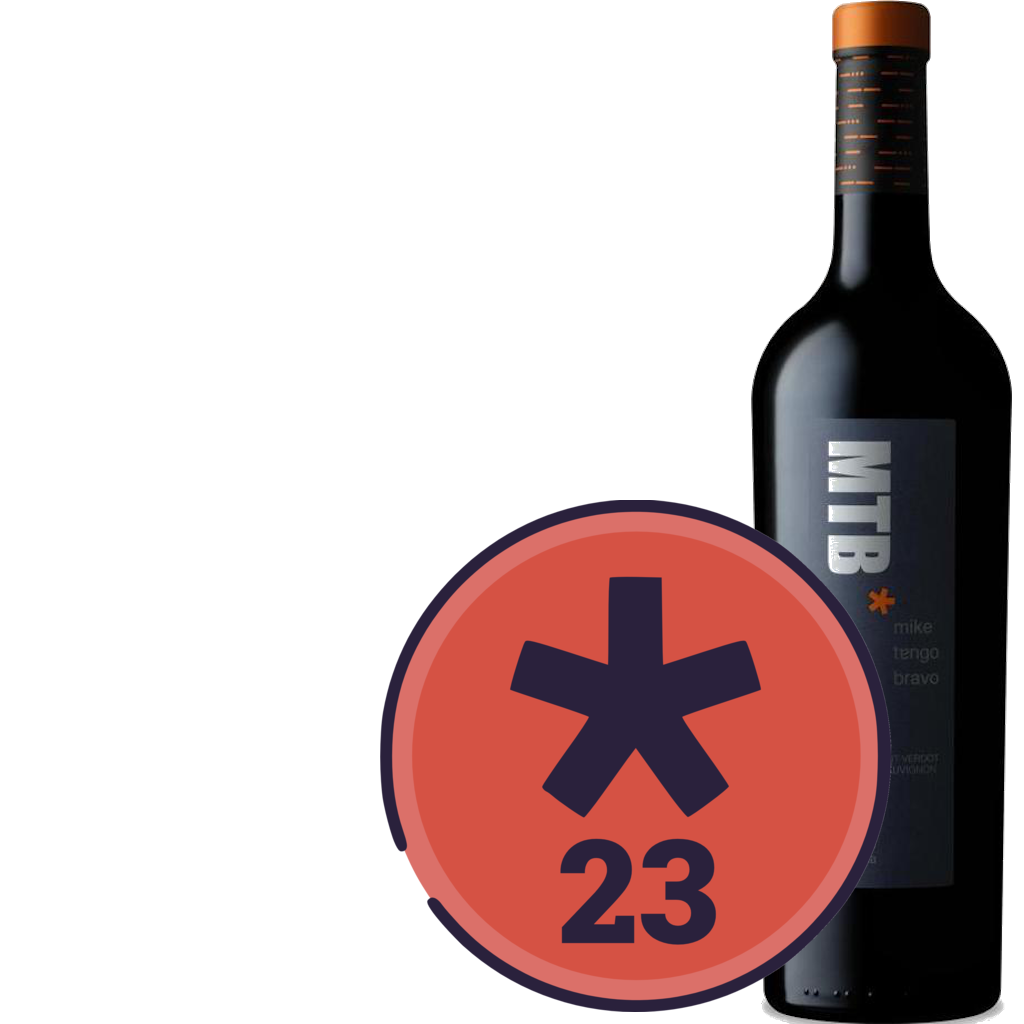
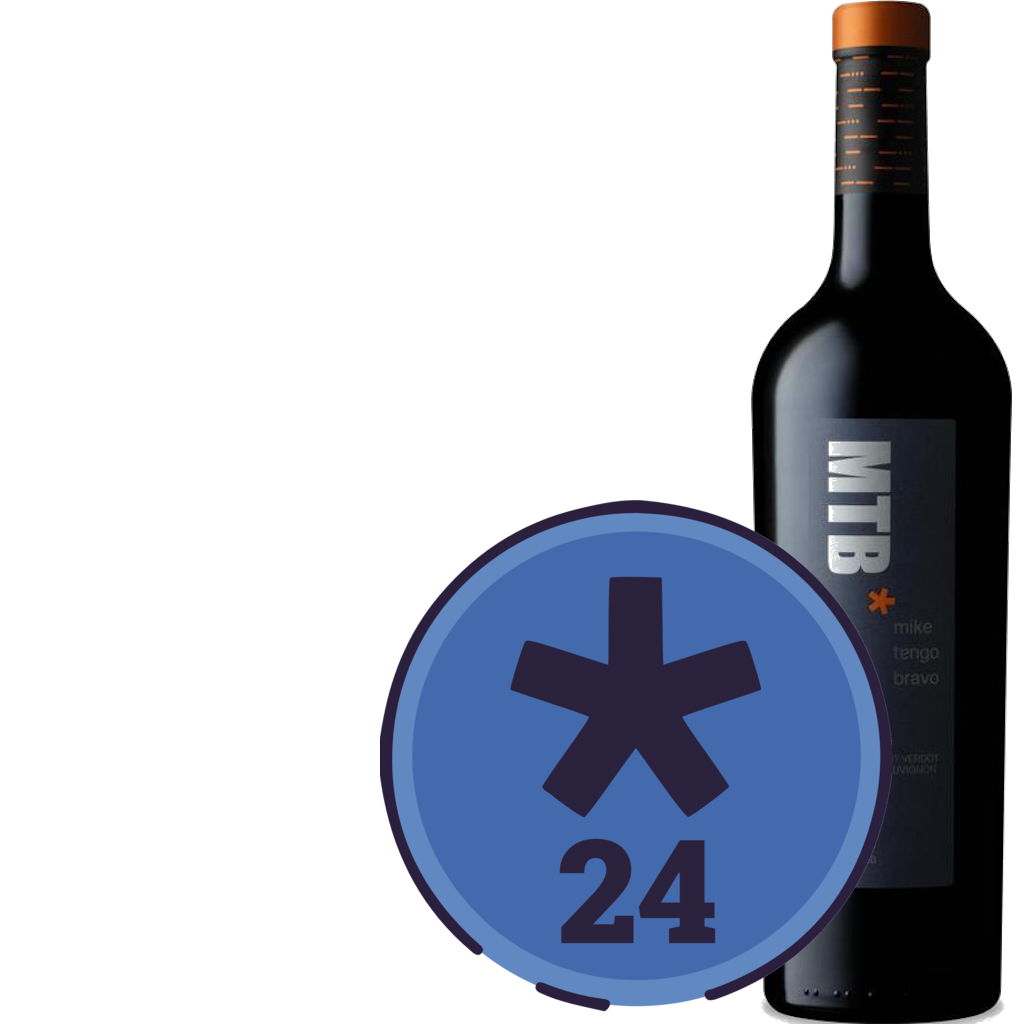
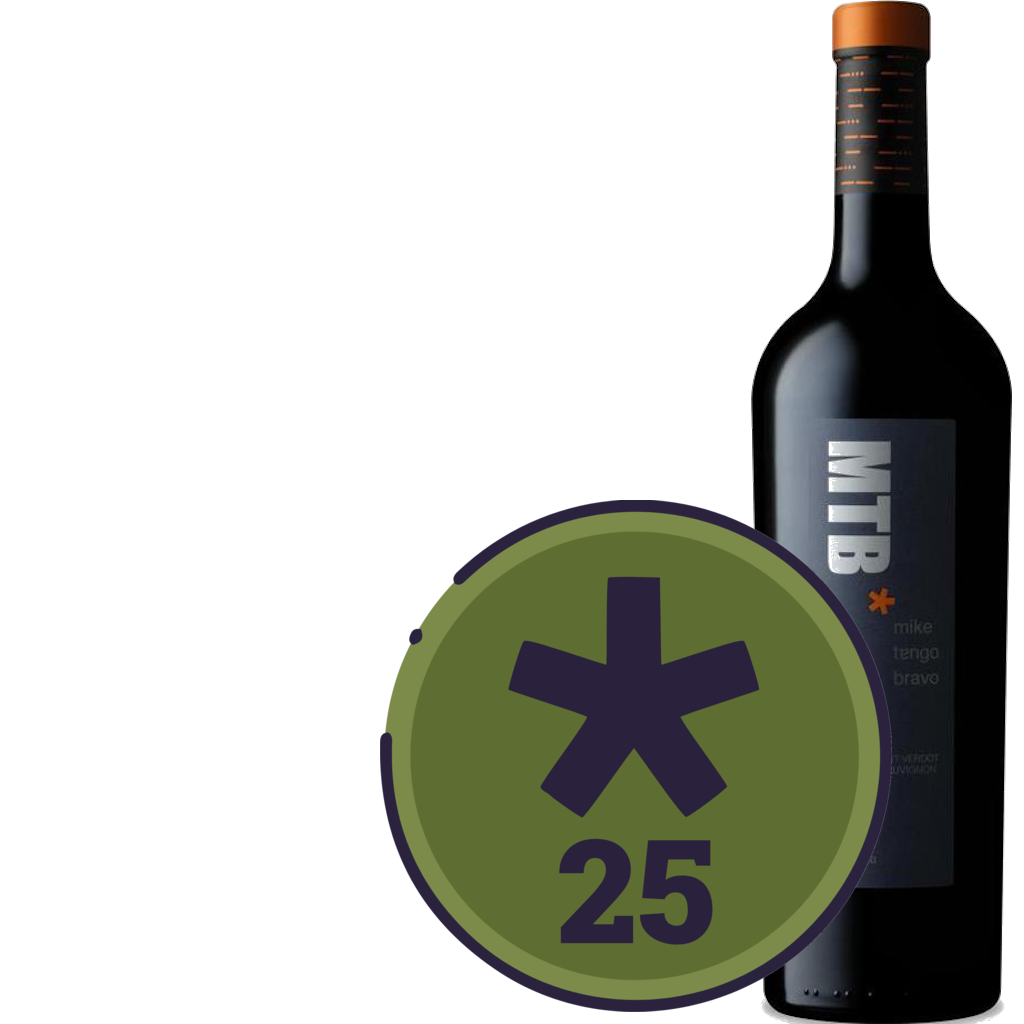
For OpenVino.Exchange, we need to present the token, both by itself, and juxtaposed in front of a wine bottle:
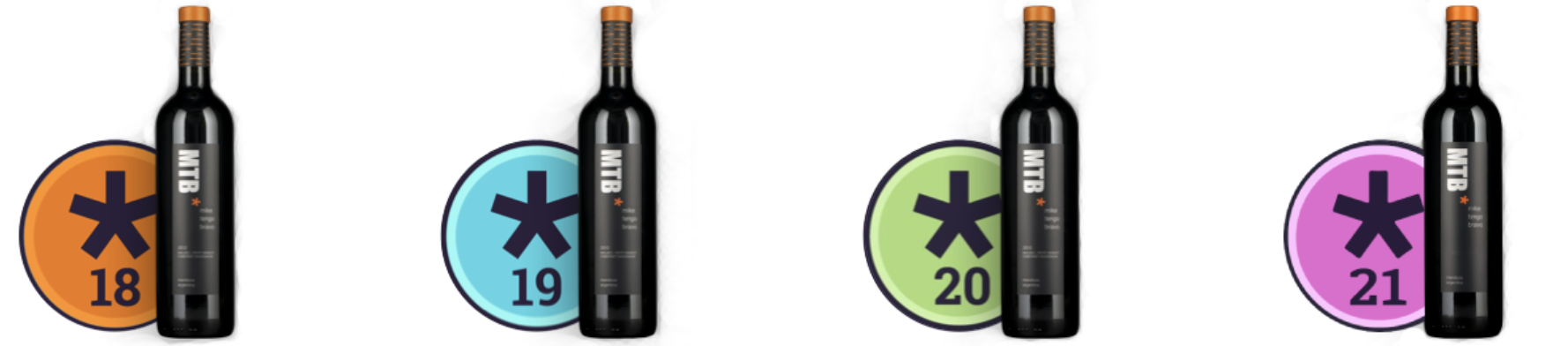
On top of this layer, other elements can be added (such as the green checkmark for purchases (you got wine!).
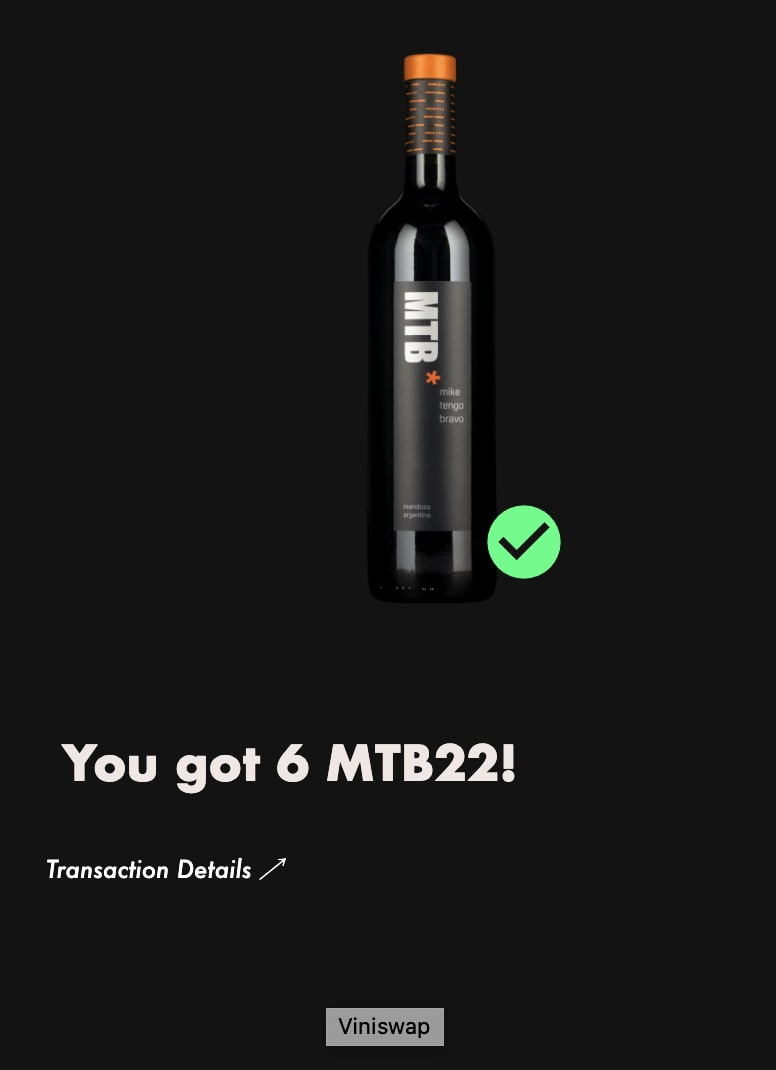
So, for every wine token, it is necessary to create an original vector drawing (SVG). This vectorized token should define and include any necessary fonts for text or numbering.
Fonts for the Costaflores token numbers:
PNG sizing and transparency
From this SVG file, PNG files of different sizes can be created. It is important that the background of the token be transparent.
| tokens | MTB?0 | MTB?1 | MTB?2 | MTB?3 | MTB?4 | MTB?5 | MTB?6 | MTB?7 | MTB?8 | MTB?9 |
|---|---|---|---|---|---|---|---|---|---|---|
| SVG |  |
 |
 |
 |
 |
 |
 |
 |
 |
 |
| 512px x 512px |  |
 |
 |
 |
 |
 |
 |
 |
 |
 |
| 256px x 256px |  |
 |
 |
 |
 |
 |
 |
 |
 |
 |
| 32px x 32px |  |
 |
 |
 |
 |
 |
 |
 |
 |
 |
| 28px x 28px |  |
 |
 |
 |
 |
 |
 |
 |
 |
 |
| bottle / token | 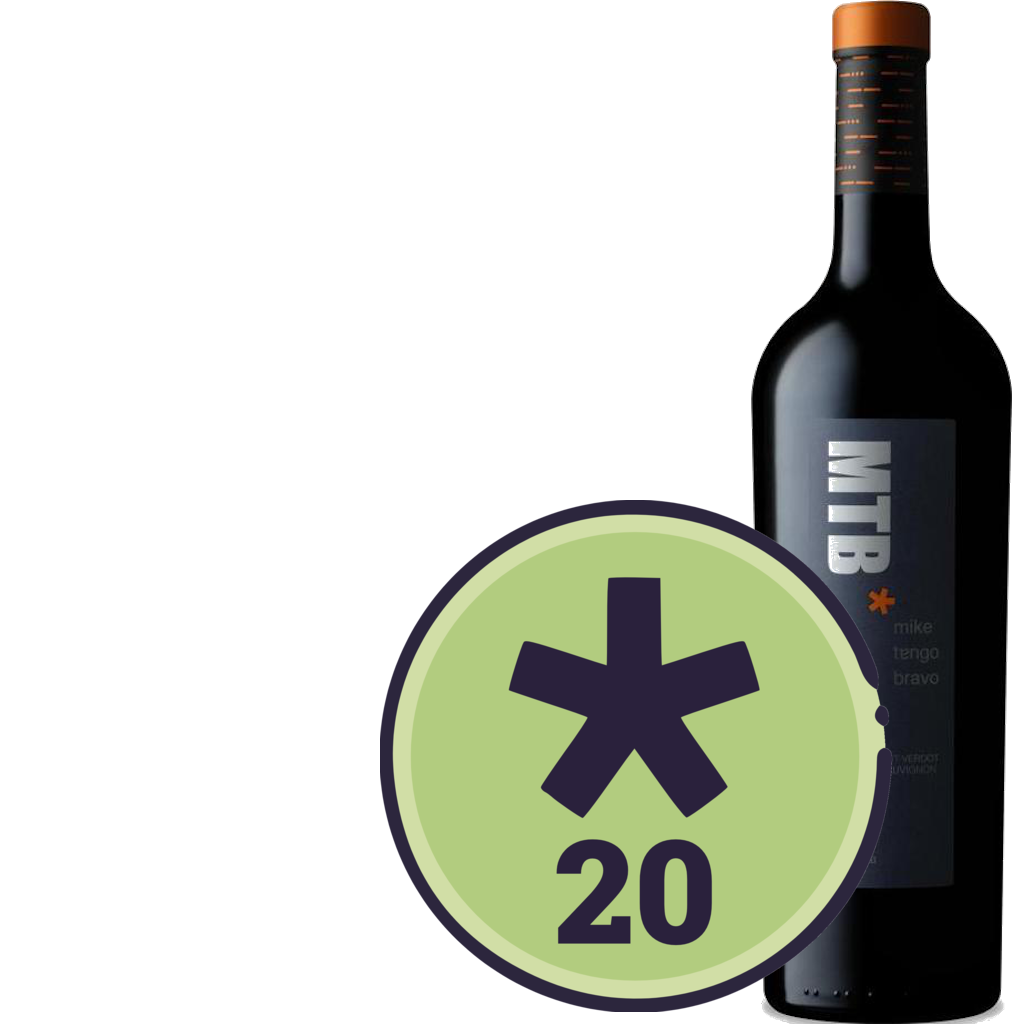 |
 |
 |
 |
 |
 |
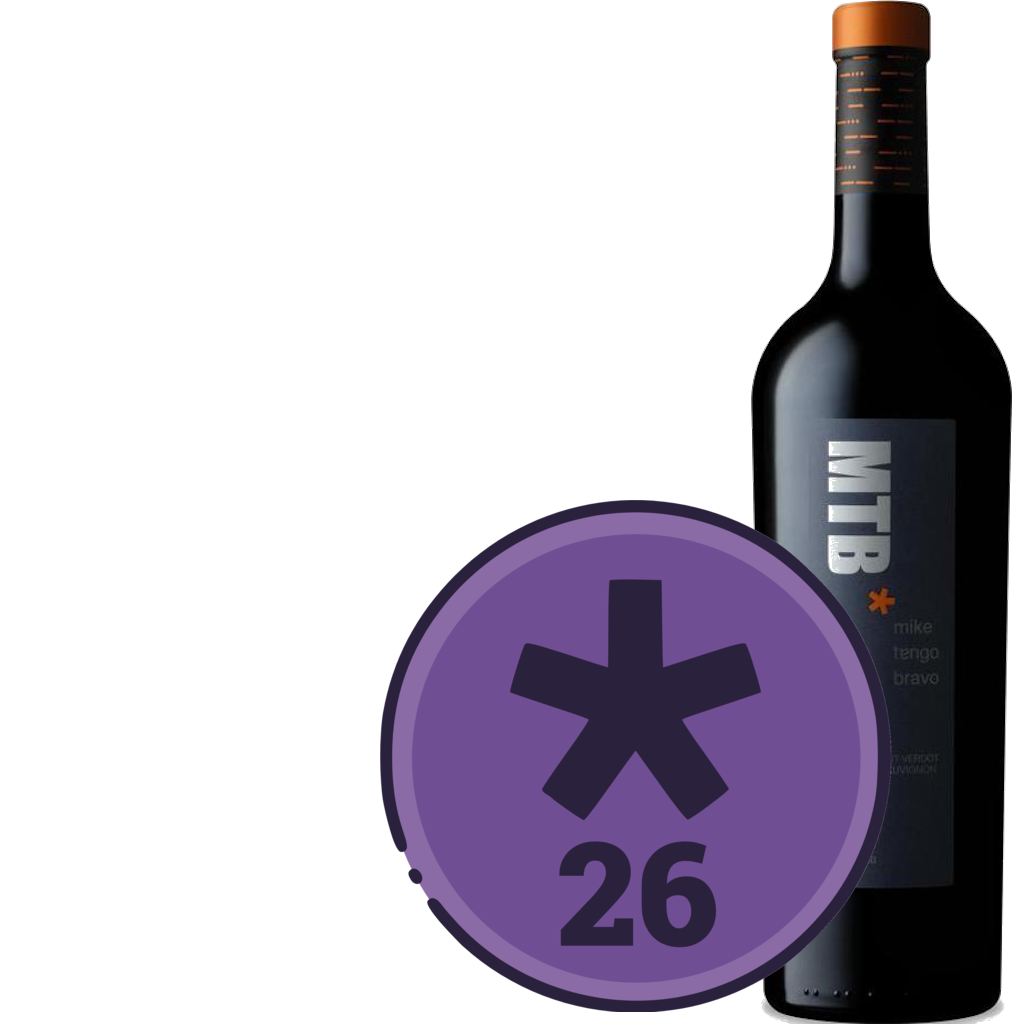 |
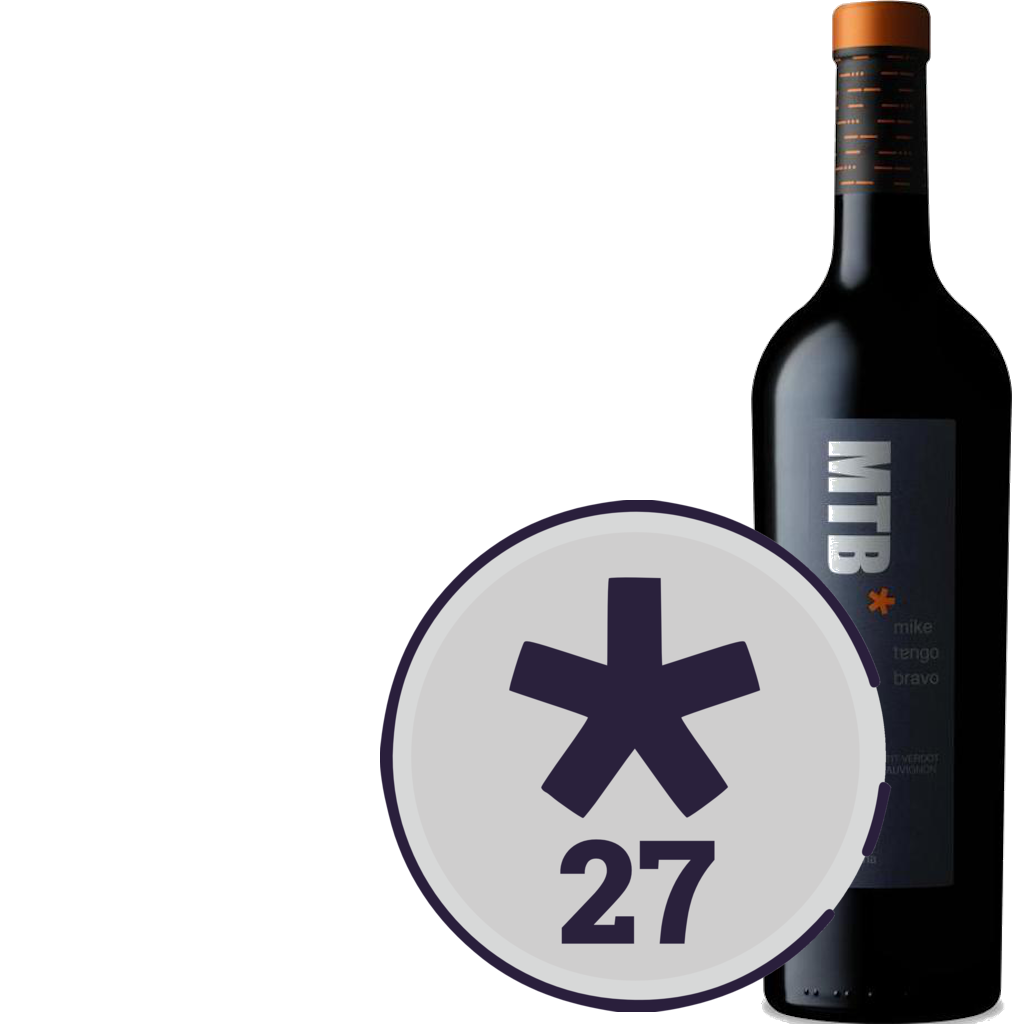 |
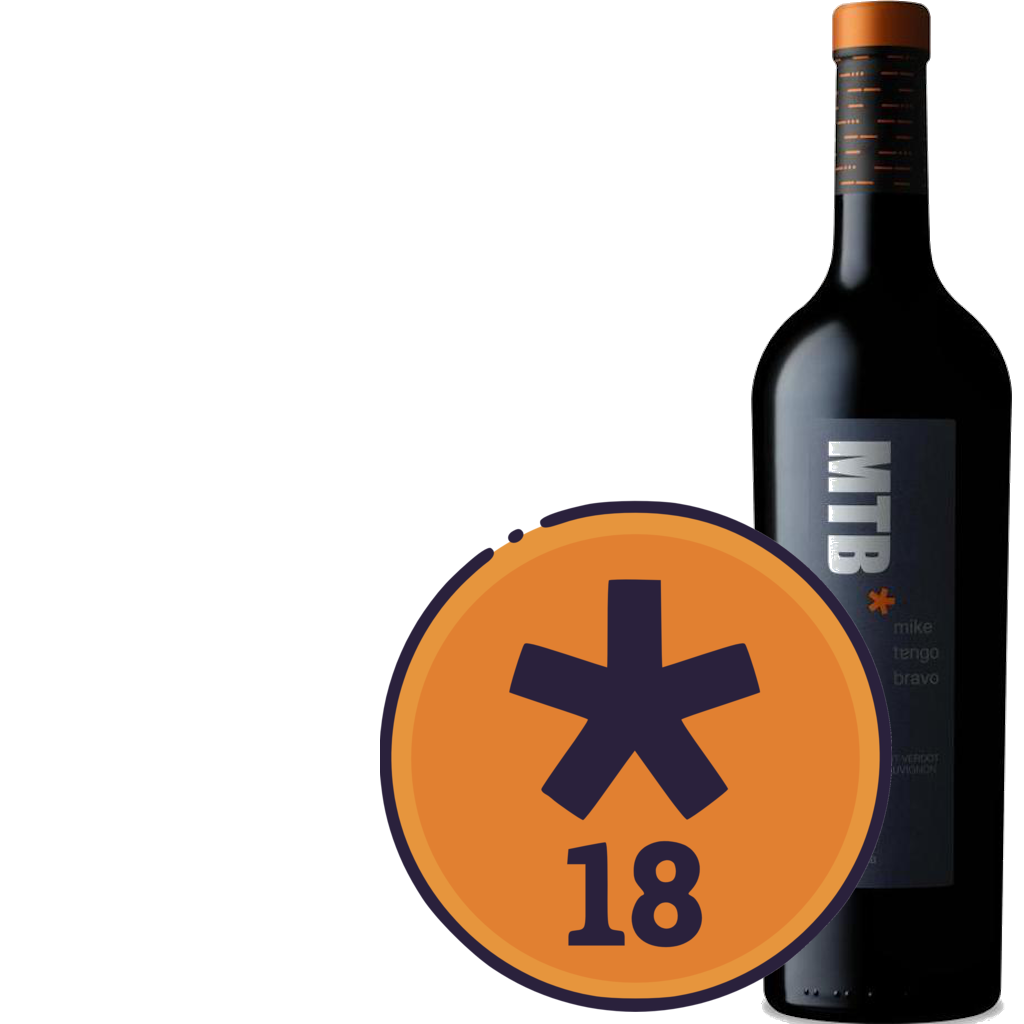 |
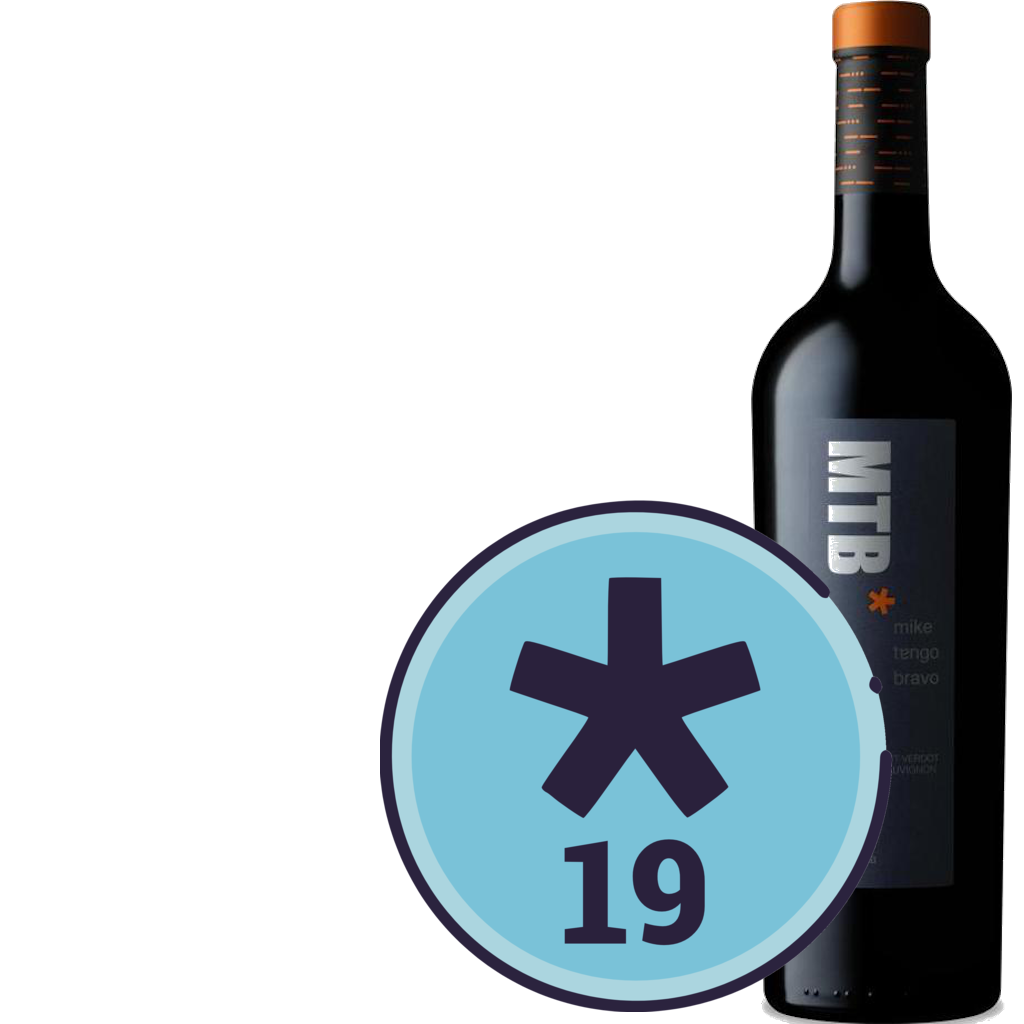 |
the token files - ImageMagick
Any adequate tool can be used to prepare the token image files. One extraordinary command-line tool to process these files is ImageMagick.
Transparency
ImageMagic can be used to convert the white background of token raster image to transparent:
convert token.png -transparent "#ffffff" token_transparent.png
Sizing
To resize the PNG file called test_big.png to 32x32 pixels, into a file called test_32x32.png:
magick token_big.png -resize 32x32 token_32x32.png
Both commands (transparency and resizing) can be combined into one command:
magick convert -transparent "#ffffff" token_big.png -resize 32x32 token_32x32.png
Juxtaposing the token image on the bottle image
To combine the token image (at 512x512) with the bottle image (1024px high), and set a 1024x1024 transparent background:
convert -size 1024x1024 xc:transparent MTB_bottle.png -geometry +750+0 -composite MTB27_512x512.png -geometry +380+500 -composite MTB27_bottle.png
Adding the token address as metadata to the token image
And finally…why not write the Ethereum contract address for the token into the image files as metadata!
MTBMBP:tokens mbarrow$ magick MTB21.png -set comment '0x69d3Af30c63F5bd916bBcD79b58dBc8BD16D0308' bottle2.png
MTBMBP:tokens mbarrow$ identify -format %c MTB21.png
MTBMBP:tokens 0x69d3Af30c63F5bd916bBcD79b58dBc8BD16D0308
Converting from SVG to PNG
To convert from SVG to PNG, using ImageMagick
https://gist.github.com/maxivak/1476f7e979879da9f75371a86d5627b5