
YDI-YOI - Register New Experience
In this procedure we are going to describe the entire process of loading an experience into your profile of YDI-YOI and then generating (MINTING) it into an NFT.
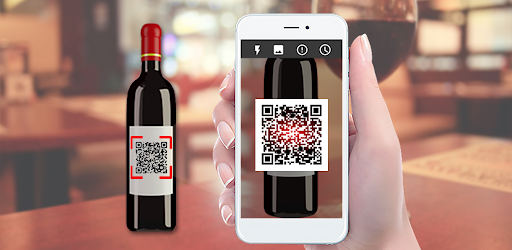
- Scan QR Code of the Bottle.
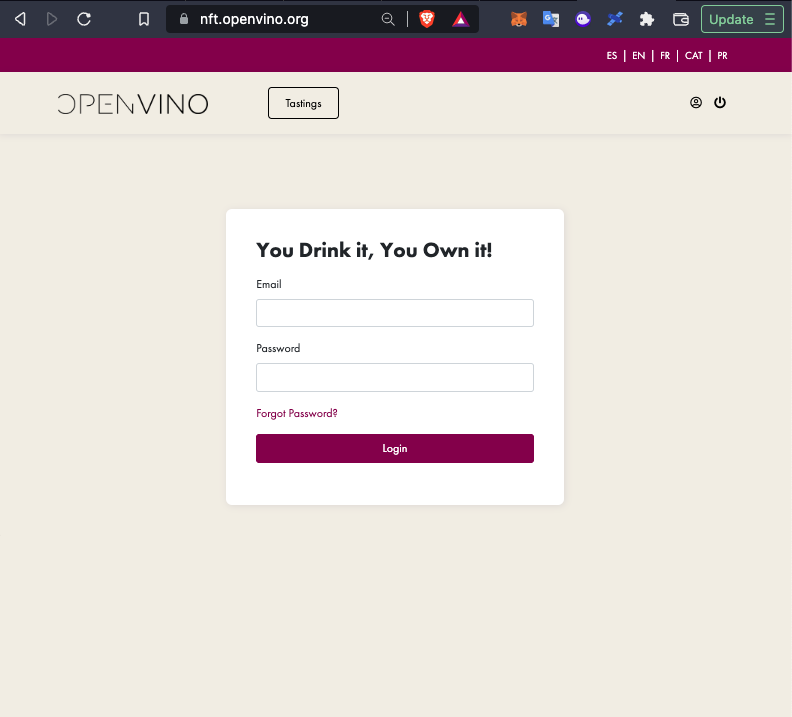
\2. Register or Login on http://nft.openvino.org (IMPORTANT - it is not possible to register for the first time without first scanning the QR of a OpenVino compatible bottle).
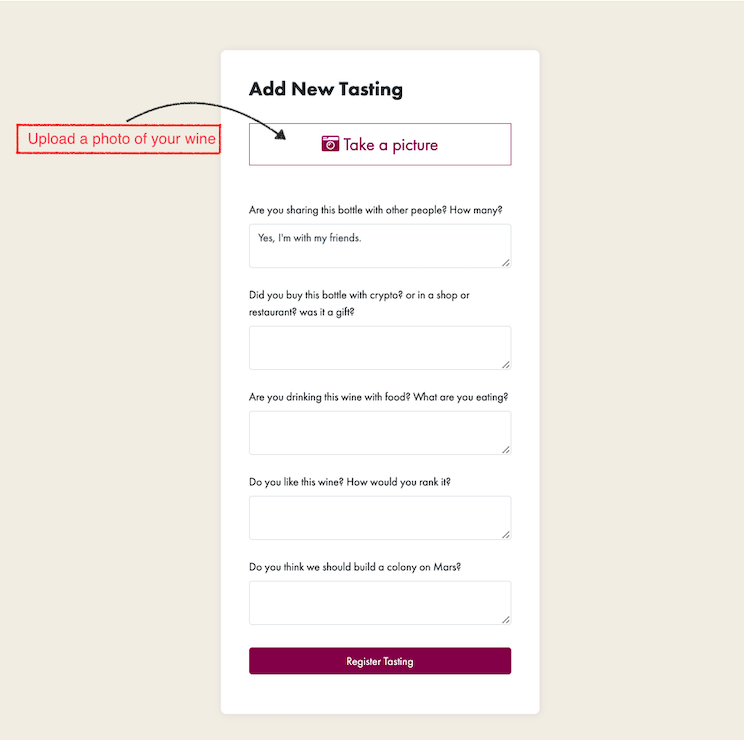
\3. First upload the selfie with your wine experience, we hope it was GREAT!
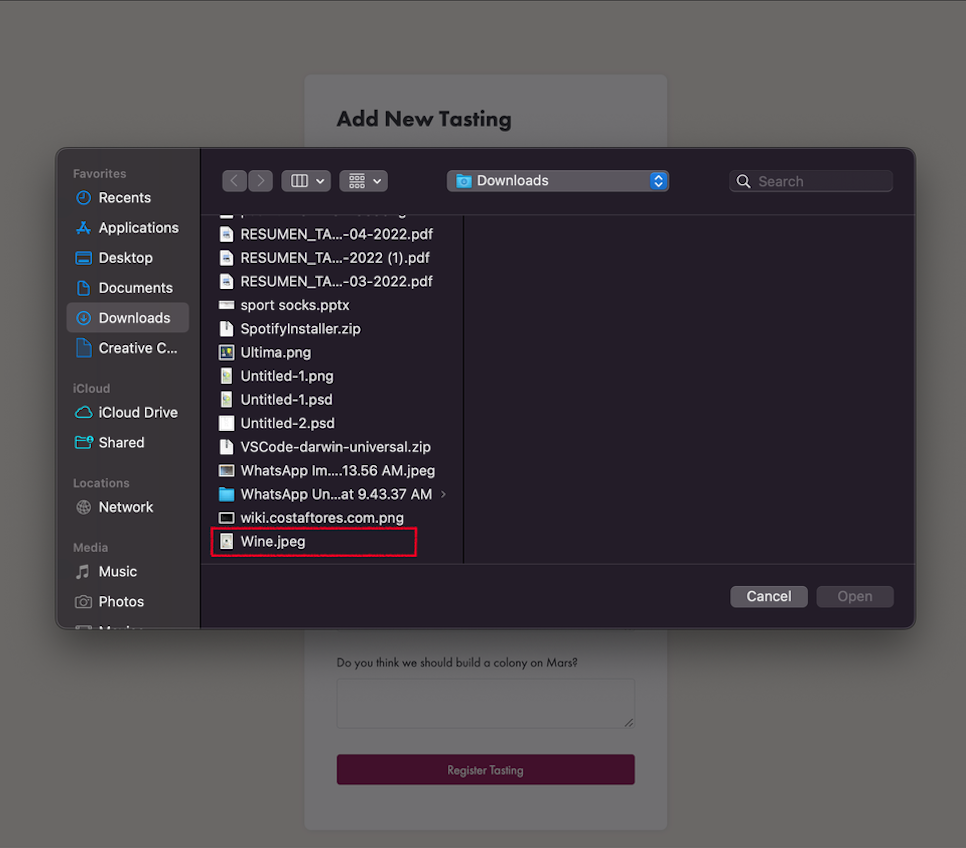
IMPORTANT
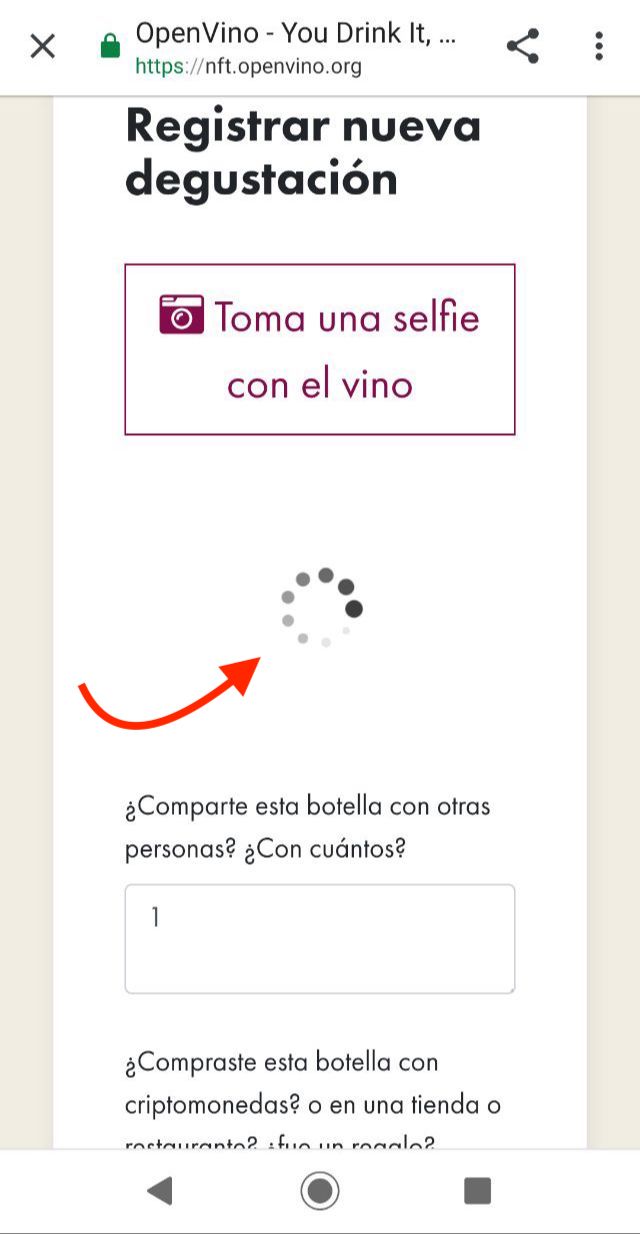
Remember to wait until the loading GIF of the image disappears. IT HAS TO BE UPLOADED TO IPFS AND THAT TAKES A FEW MORE SECONDS. It depends on the internet connection of each one at the moment of registering their experience!
IPFS (InterPlanetary File System) is the place where the experience is stored with a unique hash.
Example of the GIF loading that has to end and disappear, leaving the image of the experience correctly loaded.
\4. Fill the form, for example:
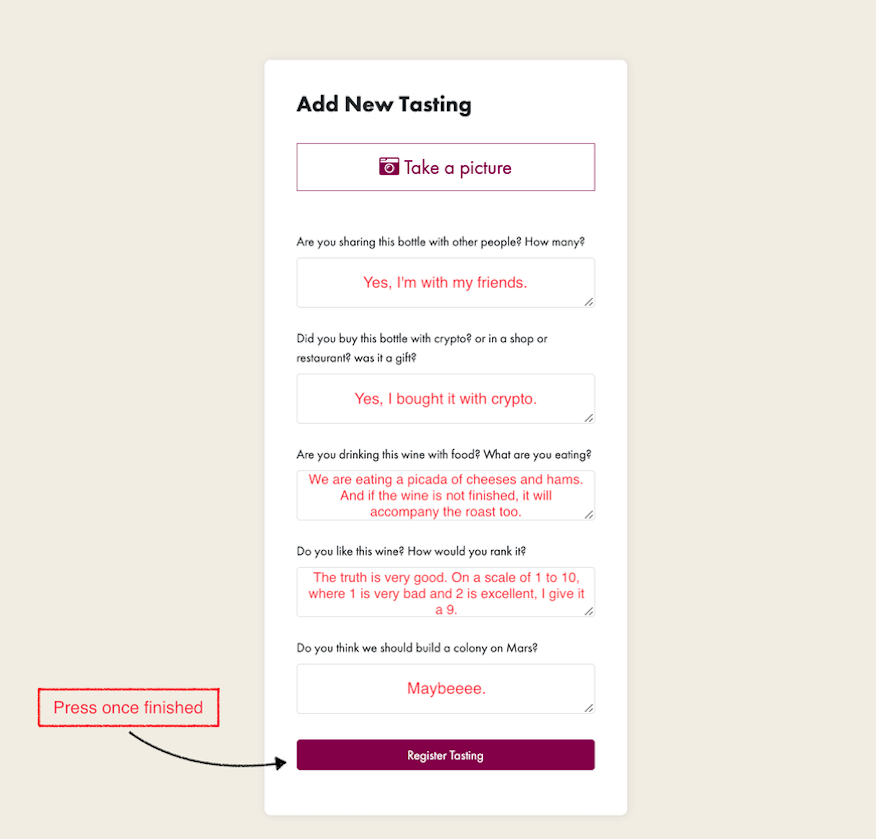
\5. Press the button to upload your experience!
\6. Go to Tastings.
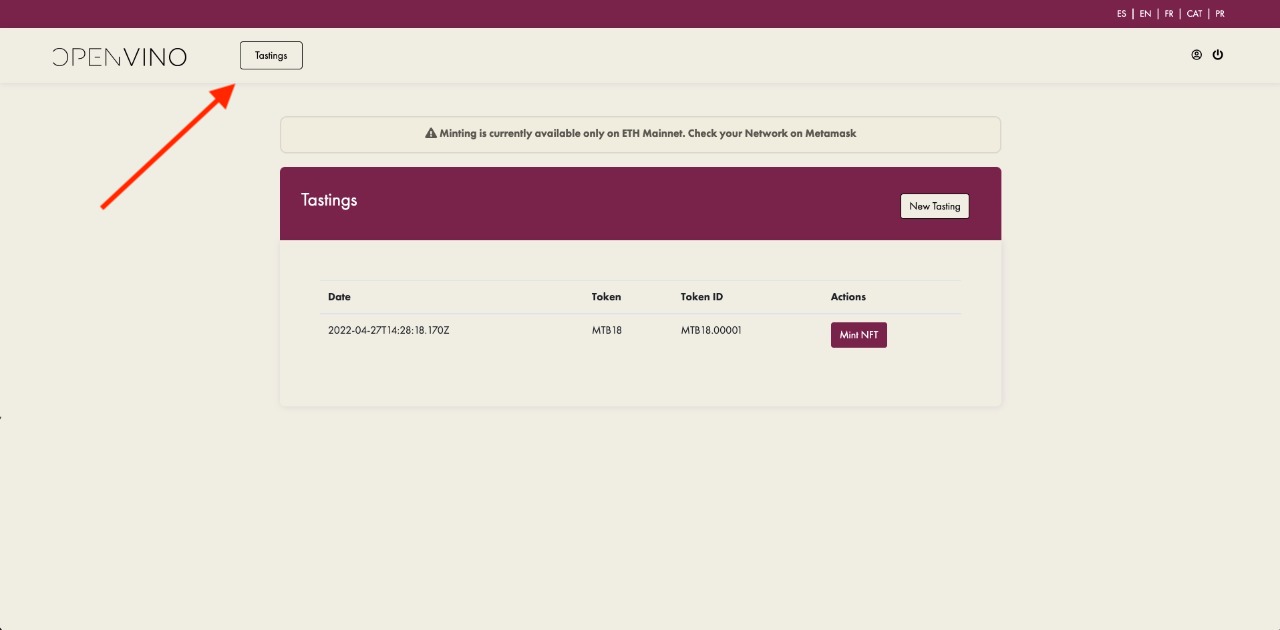
\7. Press “Mint NFT” button and pay Ethereum (ETH) gas fees with your connected wallet!
We recommend using MetaMask!
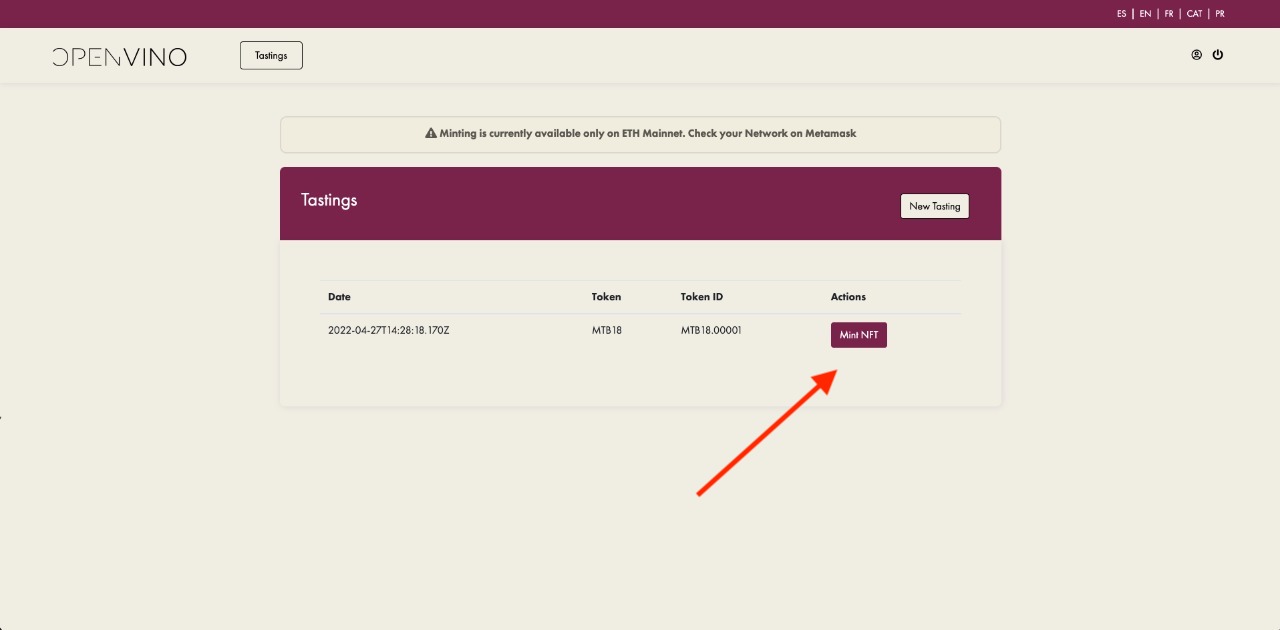
\8. Once the gas is paid, the button disappears in the minted experiences and the NFT is successfully generated on chain - Ethereum.
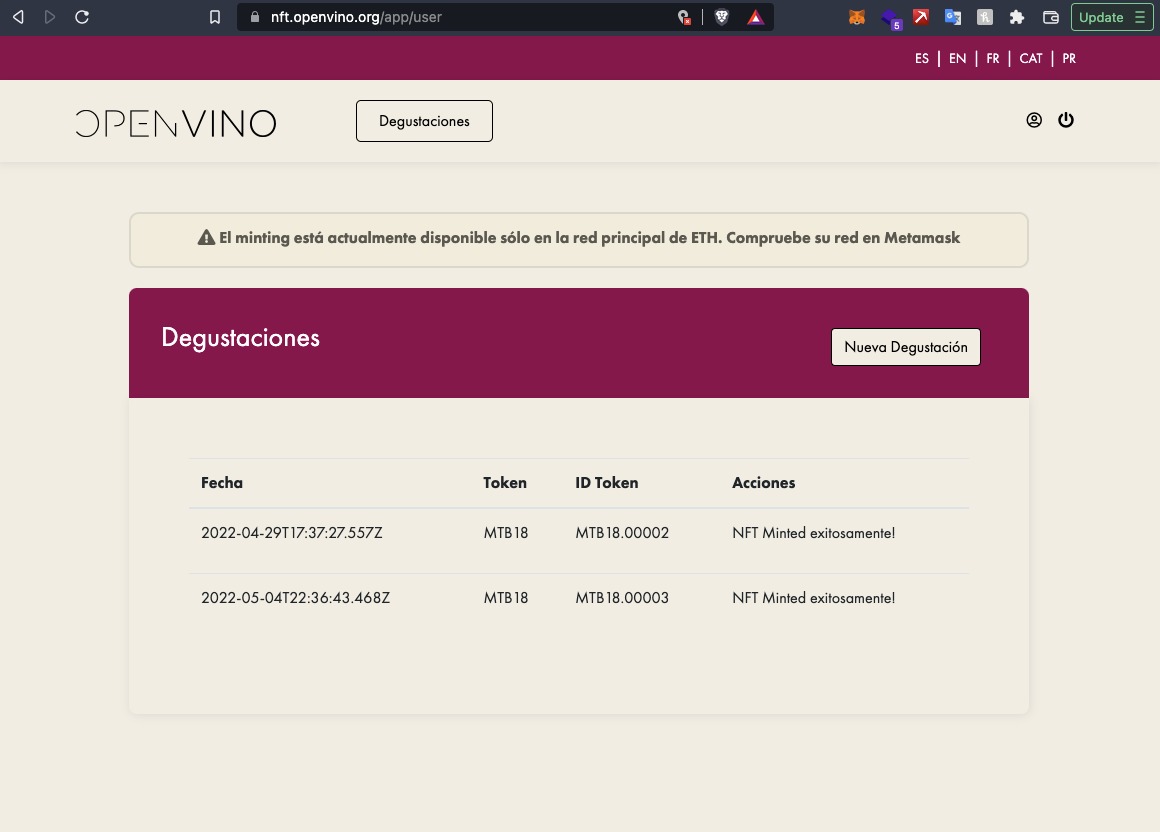
\9. As it is an interaction with the blockchain and there is new data in each NFT, the experience may take time to appear on chain.
To see the experience go to the following links:
- OpenSea: https://opensea.io/collection/you-drink-it-you-own-it
- LooksRare: https://looksrare.org/collections/0x91fA0582307134C5f24A1738d76774C6d820a276?queryID=318ad1067911a6aaa89f45d9a20666fa
- Rarible: https://rarible.com/collection/0x91fa0582307134c5f24a1738d76774c6d820a276/items
- NFT Coinbase (Beta): https://nft.coinbase.com/collection/ethereum/0x91fa0582307134c5f24a1738d76774c6d820a276
We hope you all enjoy “You Drink It, You Own It“ experience!